What Is Gemini Spark and How Is It Different From Regular AI Tools?
Gemini Spark is different from ChatGPT. It's not a tool you open when you need help. It runs in the background. Always. It monitors Gmail, reads Docs and Sheets — even when your computer is sleeping. If you tell it to, it drafts replies, updates spreadsheets, organizes files. No clicking required.
Google announced Spark on May 19 at Google I/O 2026. They built it on Gemini 3.5, fast enough to run invisibly without slowing your machine down. Think of it as a quiet worker in your email, waiting for something to do.
ChatGPT runs when you ask it to. Spark runs always — reading emails, watching documents, ready to act. That's the difference. For CPAs managing client data, always-on matters.
What Can Gemini Spark Actually Do Inside Your Clients' Gmail and Docs?
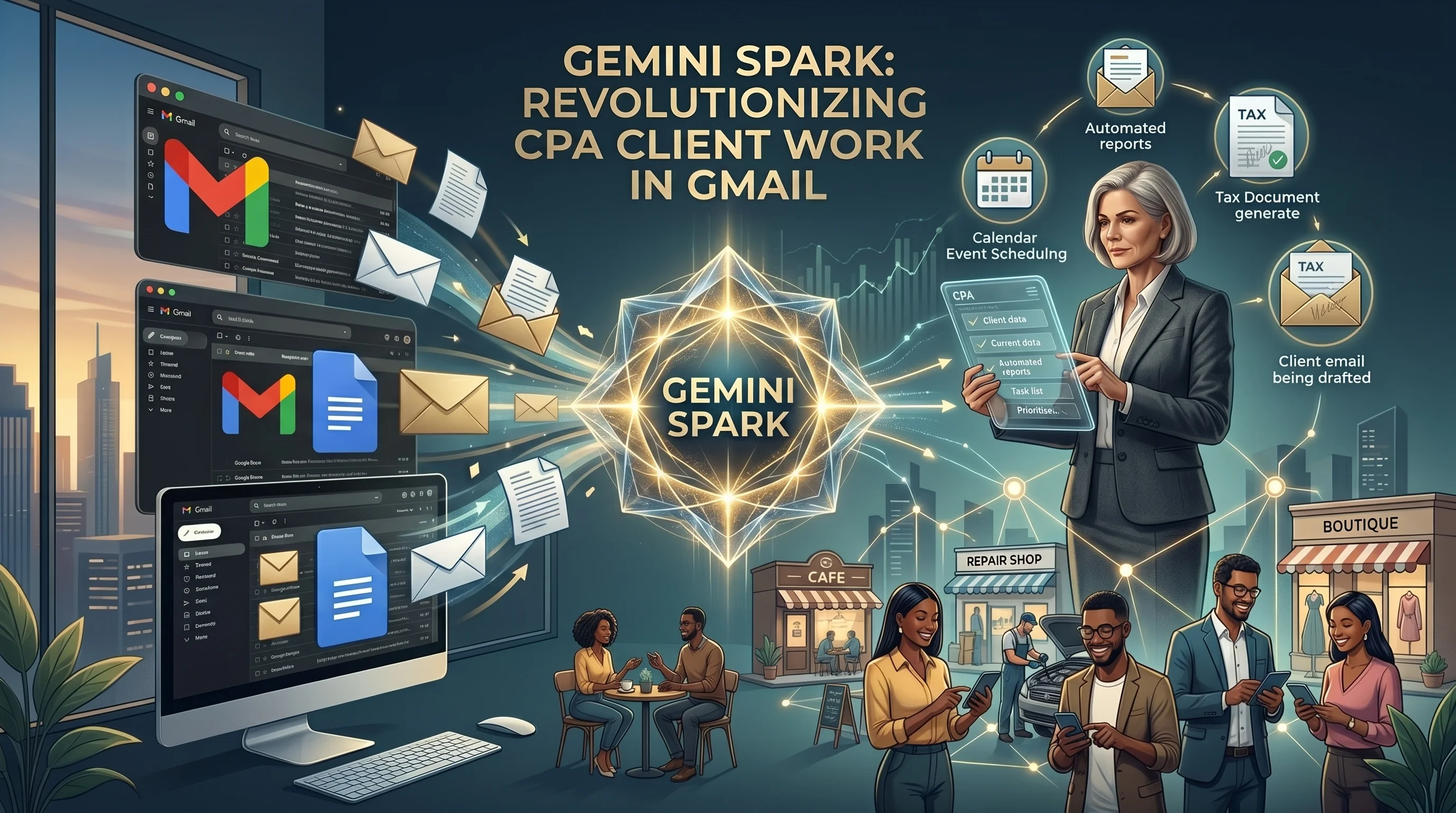
Spark does three things: monitor, draft, execute.
Monitor: Watches your inbox. When an email arrives, Spark reads it. If it matches a pattern you set, Spark flags it or moves it automatically. Zero work from you.
Draft: Reads incoming emails and suggests replies. You see: "Spark has drafted a response to your invoice question." Review it, edit if needed, send it. Or just say "send this" and Spark goes out on your behalf.
Execute: Updates Sheets formulas, creates documents from templates, pulls data from five separate emails into one summary. Automatically. A client sends five receipts in separate emails. Spark extracts the amounts and fills out a Sheets expense report. No copying, no pasting.
Google also added Gmail voice search as part of the suite — search by saying "show me all emails from the IRS." But Spark is the real story.
Who Gets Gemini Spark and When?
Spark rolls out in phases. First: Google AI Pro and AI Ultra subscribers get it this summer (late June or July).
By Q3 2026, Google pushes Spark to all Workspace business customers. Every SMB on Workspace gets it. Every CPA whose clients use Workspace gets it.
Default is on. Your clients can turn it off. They can also set permissions for what Spark can do.
| Timeline | Who Gets Access | When |
|---|---|---|
| Phase 1 | Google AI Pro and AI Ultra subscribers | Summer 2026 (June–July) |
| Phase 2 | Workspace business customers | Q3 2026 (by September) |
| Phase 3 | Workspace enterprise and education | Late 2026 (pending review) |
Why Does This Matter for Accountants and Their Clients?
Here's the real issue: your SMB clients live in Workspace. They invoice through Gmail. They track expenses in Sheets. They draft proposals in Docs. By this summer, an AI agent is reading all of it.
Spark is not a security threat on paper. Google built it with role-based permissions. Spark respects the same access rules as humans do. If someone can't see a spreadsheet, Spark can't either.
But Spark can execute tasks without human review first. Set Spark to "automatically draft replies to invoice questions" and it will. One wrong draft and money gets discussed by an AI that doesn't know your client's pricing or payment terms.
For accounting practices it's worse. A client using Workspace for bookkeeping. An AI agent reading invoices, receipts, GL accounts. Not a privacy violation. A governance problem.
What This Means for CPA Governance
This isn't subtle. It's a hard shift. For years you told clients: "Don't give third party apps access to financial data." Now the third party app is already inside Workspace — the software your clients trust. Governance changes from "use it or don't" to "use it and control it."
Same thing happened with Excel macros. Then accounting software APIs. Then cloud app integrations. Each time CPAs moved from "avoid the risk" to "manage the risk." Spark is the next step.
Three Governance Questions Every CPA Should Answer Before Spark Rolls Out
You don't need to understand Spark's internals. Ask three questions. Document the answers.
Question 1: What data can Spark access? Which users have Spark on? What folders, documents, sheets can it see? Does the AP clerk need Spark reading every invoice? Does the bookkeeper's sheet need background monitoring? Spark respects folder permissions — disable it for sensitive data.
Question 2: Can Spark reply to emails on its own? Default: Spark drafts, a human reviews, then sends. Safe. But some clients enable auto-send. Spark sends without review. For anything finance or compliance related, human review stays on.
Question 3: What's the audit trail? Google logs Spark actions. If Spark puts the wrong number in an expense report, you need to know it happened, who Spark was running as, how to undo it. Enable audit logging for high-risk workflows.
How Does This Fit Into the Bigger AI In Finance Story?
Spark is not an isolated feature. It's part of a larger shift in how business software works. Over the past two years, we've seen Google, Microsoft, Salesforce, and other enterprise platforms add AI agents to their productivity layers. What was once "add ChatGPT on top of your tools" is now "AI is built into your tools."
For CPAs, this means governance gets more complex. Your clients' financial data is not just in accounting software anymore. It's also in email, spreadsheets, documents, and now these documents have AI agents reading them autonomously.
The shift is from "do we use AI tools?" to "what rules do we set for the AI tools that are already here?" Every SMB that uses Google Workspace will have Spark this summer. Asking "should we use Spark?" misses the point. The better question is "what can Spark safely touch in our Workspace?"
That's a governance question CPAs are uniquely positioned to answer. You already review client tech risk. You already set data policies. You already know what's sensitive. Adding Spark governance to your client review process is the natural next step.
Firms that wait will have clients running Spark with default permissions — which means maximum access. Firms that move now will have clients running Spark with careful guardrails. That difference in governance quality matters for audit defense and compliance position.
What Should You Do Right Now?
Spark isn't live yet. You have time. Do this now.
Step 1: Audit your clients' Workspace setup this month. Who has Docs and Sheets access? Which folders have financial data? Which email flows are critical? Map it out before Spark lands.
Step 2: Write a Spark governance policy for your firm. Simple. "Spark is allowed on general email and document collaboration. Not on GL accounts, tax drafts, or client data storage." Share it when clients ask.
Step 3: Tell your clients now. Spark is coming. Here's what it does. We'll help you set it up safely. Clients who hear "new AI in Gmail" for the first time in July are confused. Clients who heard about it in May from you trust the setup.
The Bigger Picture: AI Moves Into Productivity Software
Spark is the first mainstream AI agent baked into business productivity software. Won't be the last. Microsoft is building similar into Excel, Word, Outlook through Copilot. These tools are staying. CPAs who learn to govern them now have clients using them safely. CPAs who ignore them have clients using them anyway, without guidance.
Sources
Related Articles on Nexairi
Free Assessment
Is your firm ready for AI?
A 5-minute governance check for CPA firms using ChatGPT, Copilot or AI accounting software. Get your score and your top gaps — free.
Jim Smart is the founder and editor in chief of Nexairi. A Business Intelligence Developer with experience building data systems for Verizon, U.S. Army operations, and enterprise finance teams, Jim spent years turning complex data into decisions that executives could act on — dashboards, forecasting models, and automation pipelines across telecom and government contracting. He founded Nexairi to apply that same clarity to AI: making emerging technology understandable and actionable for the operators, accountants, and business owners who need it most. Jim holds GenAI certifications from the University of South Florida Bellini College of AI and completed Springboard's Data Science Career Track.