Key Takeaways
- Fusion Architecture is real. Apple connected two processor dies into a single system-on-chip. It's not a rebrand—it's a engineering change optimizing for local AI inference.
- M5 Pro/Max laptops are now AI workstations. With 6.7x faster LLM prompt processing than the M1 Max, the 16-inch MacBook Pro becomes a practical local training and inference device.
- M5 Air is the affordable entry point. At base price with 512GB storage and 4x AI performance gain, it's the first MacBook positioned as an "automation device," not just a productivity laptop.
- Studio Display XDR drops to $3,299. The new mini-LED monitor replaces the five-year-old $4,999 Pro Display XDR. Same performance, half the price.
What Is Fusion Architecture?
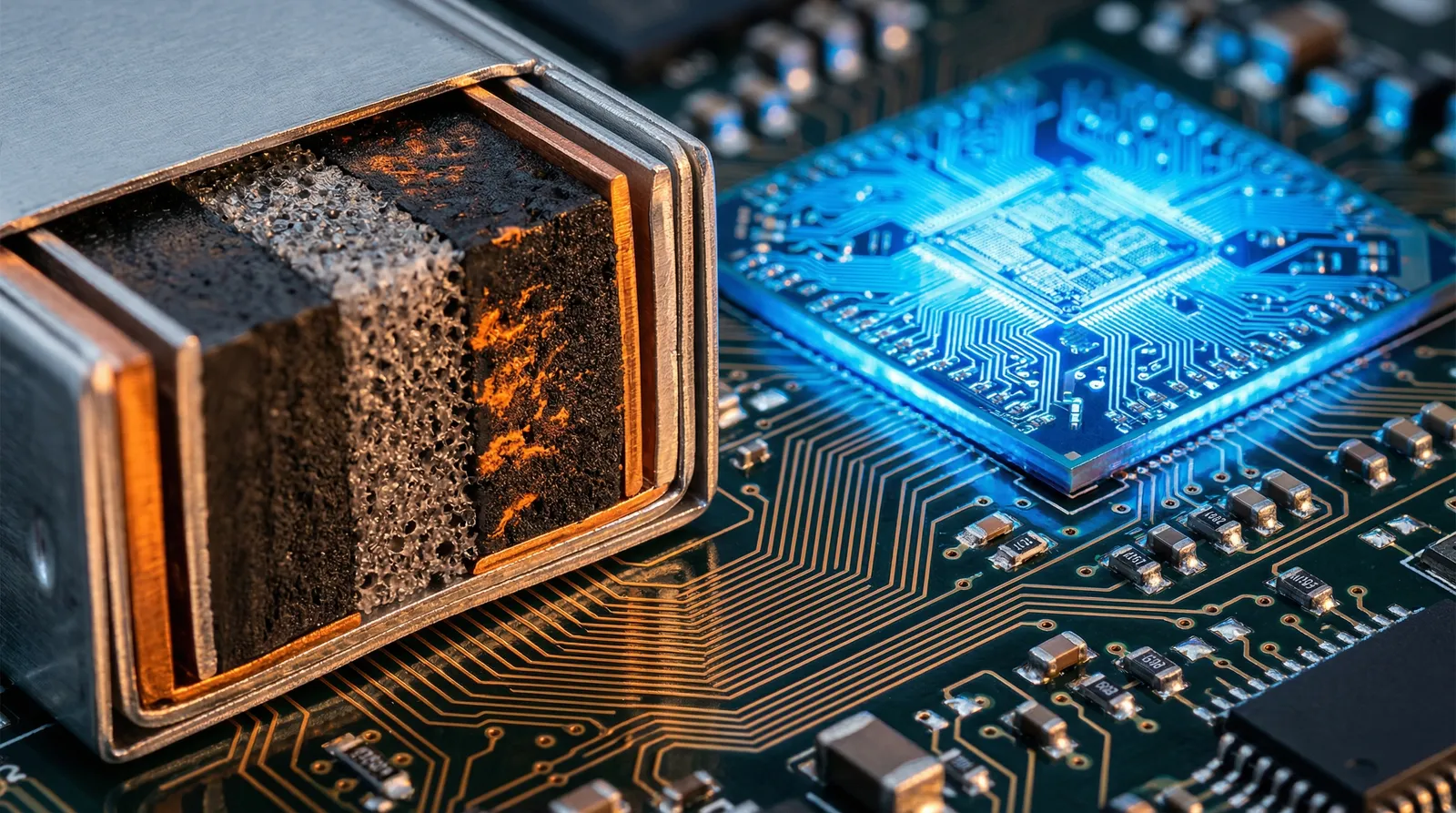
Apple connected two silicon dies into a single system-on-a-chip using a new interconnect layer. Instead of one monolithic processor, you get two separate processors joined at the system level.
Engineers use this because it solves a chip design problem: larger dies get expensive and harder to manufacture. Split the workload across two smaller dies, communicate between them fast, and you get better yield at the same performance tier. Apple's naming it "Fusion" for marketing. The engineering is sound.
This approach isn't new—AMD and other chipmakers have used chiplets for years. What's new is Apple committing to this architecture as the foundation for its next generation. The two dies synchronize at microsecond latencies, meaning applications don't see any performance penalty compared to a monolithic design. From a user perspective, Fusion is invisible. From a manufacturing perspective, it's a cost and yield play that lets Apple keep putting more power on device without hitting physics limits on die size.
The interconnect layer is custom-designed for communication speed. That matters for machine learning workloads, where models move data between cache, memory, and compute constantly. A slow interconnect becomes the bottleneck. Apple's specification ensures that latency stays minimal, keeping the theoretical performance gains from the extra cores actually convertible into real-world speed improvements.
What Makes the M5 Pro and Max Game-Changing for AI?
The headline stat: up to 6.7x faster LLM prompt processing than the M1 Max. That's not incremental. That's the difference between a laptop that can run a local 7B-parameter model competently and one that couldn't run it at all.
For context: LLM inference means processing your input (the prompt) and generating a response, all on the device. No cloud call. No latency. Your intellectual property stays on your machine. Apple's emphasizing the speed because inference speed directly correlates to user experience. Faster inference = better feel. A 6.7x improvement moves inference from "slow but usable" to "actually responsive."
The M5 Pro goes up to 18-core CPU and 40-core GPU. The Max is specced for serious local training workflows. You're looking at a machine that can run medium-scale fine-tuning jobs without shipping data anywhere. For enterprises concerned about data residency (financial services, government, healthcare), this is the selling point. The Neural Accelerator in each core handles AI-specific operations—matrix multiplication, tensor operations—at hardware speed, not emulated.
This matters because on-device AI shifts economic power to whoever controls the hardware. If Apple's M5 Pro can train competitive models locally, enterprises no longer need cloud GPU services for experimentation and small-batch work. They lose vendor lock-in and data-export costs. That's a material shift in how ML operations are budgeted and structured.
The GPU cores are equally important. With 40-core options, the Pro can parallelize inference across hundreds of tokens simultaneously. That's why prompt processing speed scales so dramatically. Apple isn't just faster at single-token generation—they're faster at batched operations, which is where real throughput lies.
Is the $1,199 M5 Air Good for AI Tasks?
Yes—if you want to automate workflows with smaller models. Apple claims 4x faster AI tasks compared to the M4 Air. That's substantial enough that the Air moves from "productivity device" to "automation entry point."
The key: Apple doubled the base storage to 512GB. That matters for local AI work. You're storing models, datasets, and inference outputs locally. 256GB fills up fast. 512GB is the new baseline for a device that does more than browse and email. For AI practitioners, storage isn't a luxury—it's operational necessity.
The N1 wireless chip adds Wi-Fi 7 and Bluetooth 6. That's connectivity for persistent AI agents that stay active in the background, fetch data, and respond to triggers without user intervention. The Air is now positioned as "the agent OS"—a machine that runs autonomous systems natively. Bluetooth 6 means latency-sensitive operations (voice interfaces, real-time data sync) work smoothly. Wi-Fi 7 handles high-bandwidth tasks like model downloads or inference telemetry without saturating your network.
At the $1,199 entry price, the M5 Air becomes the first Apple laptop explicitly positioned for non-technical users who want AI agents to handle routine work. You're not buying computing power for creative work or development—you're buying a device to run automation. That's a market segment Apple hasn't explicitly addressed before.
The 4x AI performance gain, combined with 512GB storage and modern wireless, transforms the Air from "fast ultrabook" to "practical agent platform." For that positioning, it's correctly specced.
How Do M5 Air, Pro, and Max Stack Up?
| Feature | M5 MacBook Air | M5 MacBook Pro (14") | M5 MacBook Pro (16") |
|---|---|---|---|
| CPU Cores | 8-core | Up to 12-core | Up to 18-core |
| GPU Cores | 10-core | Up to 16-core | Up to 40-core |
| New Tech | N1 Wireless (Wi-Fi 7, Bluetooth 6) | Fusion Architecture | Fusion Architecture |
| Base Storage | 512GB (doubled) | 512GB | 512GB |
| AI Performance vs Prior Gen | 4x faster than M4 Air | 6.7x faster LLM inference (vs M1 Max) | 6.7x faster LLM inference (vs M1 Max) |
| Best Use Case | Local agents, automation workflows | AI experimentation, small-scale fine-tuning | Training, multi-model inference, production |
Why Is the Studio Display XDR Such a Big Deal?
Apple announced a new Studio Display lineup, but the headline is the XDR model: $3,299, mini-LED backlighting, 2,000 nits of brightness, and 120Hz ProMotion refresh.
That $3,299 price tag replaces the previous Pro Display XDR at $4,999. Same performance. Half the cost. For content creators and video professionals, this is the budget shift they've been waiting for. A 5-year product cycle with a $1,700 price cut signals that mini-LED production has matured and Apple's volume on these displays finally justifies lower margins.
The 120Hz refresh rate matters for video editing and design workflows. Everything feels responsive. It's a small detail that compounds across an 8-hour work day into genuine fatigue reduction.
Nexairi Analysis: Why Apple's Strategy Shifted
Note: This section represents Nexairi's editorial interpretation of Apple's positioning. It is not independently verified reporting.
Apple abandoned the single keynote this year for a "flurry" of press releases spread across the week. On March 3, the focus was "Pro" and "Desktop" power users. That's a deliberate segmentation.
Here's what we think is happening: Apple's data shows that the M-series architecture has saturated the "laptop for everything" market. The Air sells because it's fast enough for 95% of tasks. The Pro sells because of the display and ports, not raw performance. So Apple repositioned: the Air is now "the agent OS," the Pro is "the local AI training device," and the Studio Display is "the creative workstation hub."
This moves Apple away from "faster than last year" marketing (which gets boring) and toward "here's what you can now do locally that you couldn't do before" positioning. That's stronger. It's infrastructure thinking, not gadget thinking.
The risk: developers will validate whether 6.7x faster inference is enough to keep models local past the 7B-13B scale. If larger models require cloud acceleration anyway, the Pro positioning crumbles. The upside: if the Fusion Architecture proves reliable for in-house fine-tuning workflows, the Pro becomes the entry point for on-device ML ops—a market Apple hasn't won yet.
Sources
- Apple Official Newsroom — MacBook Pro M5, MacBook Air M5, and Studio Display XDR announcements, March 3, 2026
- Apple Developer Technical Specifications — Fusion Architecture technical briefing and M5 specifications
- Apple Support — LLM inference benchmarks (M5 Pro vs M1 Max performance claims)
- Apple MacBook Pro Marketing — Neural Accelerator specifications and AI performance claims
Fact-checked by Jim Smart